

You can add parts to your design in three ways:Documentation Index
Fetch the complete documentation index at: https://docs.atopile.io/llms.txt
Use this file to discover all available pages before exploring further.
- Install a pre-made package
- Find specific component with supplier search
- Select passives automatically with the auto-picker
Packages
A package is a re-usable module with design, layout, and validation already completed. It’s a quick and easy way to integrate components and functionality in your design. See the packages guide for more details.Installing Packages
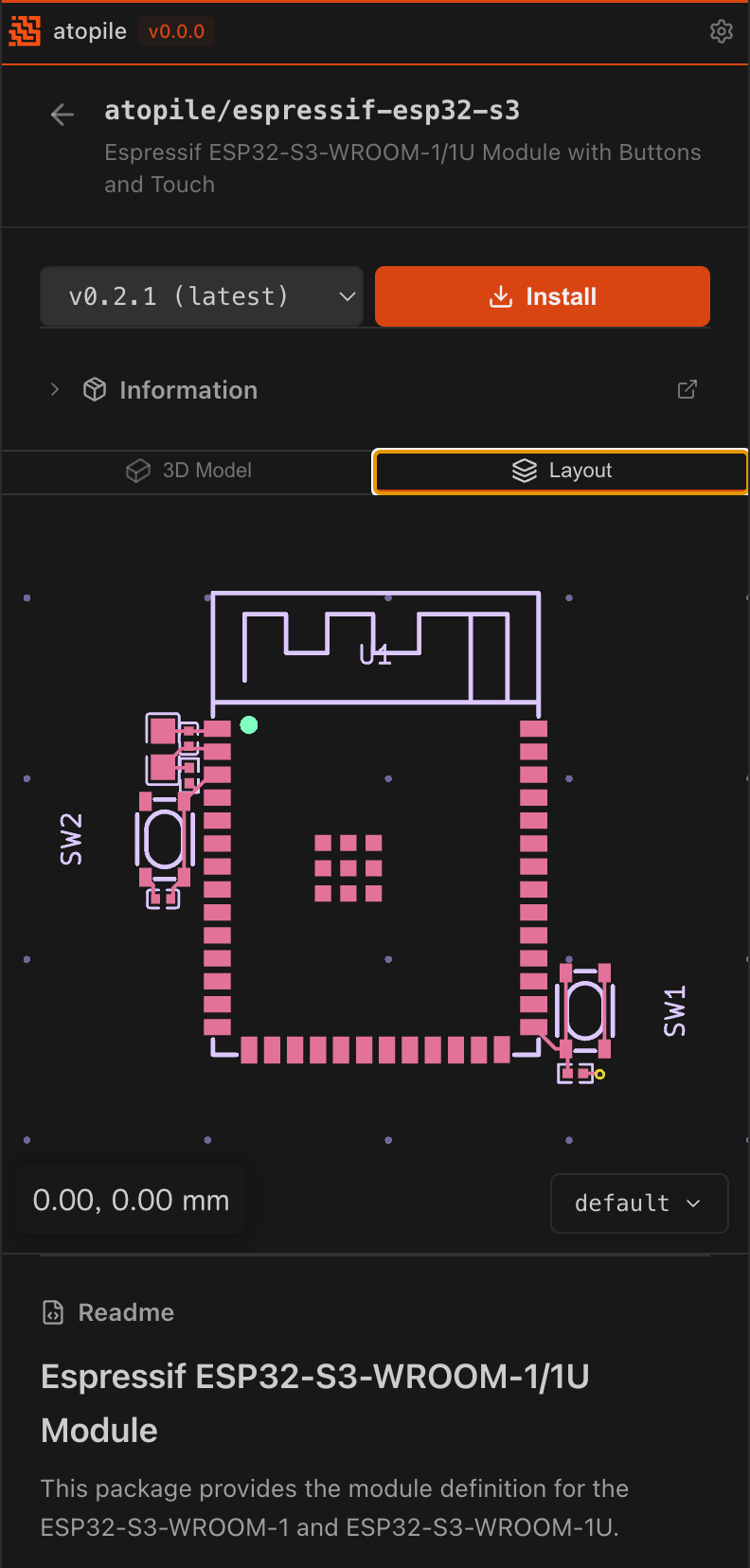
Let’s add an ESP32 microcontroller and WiFi module. In the sidebar, open the Packages tab. Under the Browse tab, you can search for and browse available packages.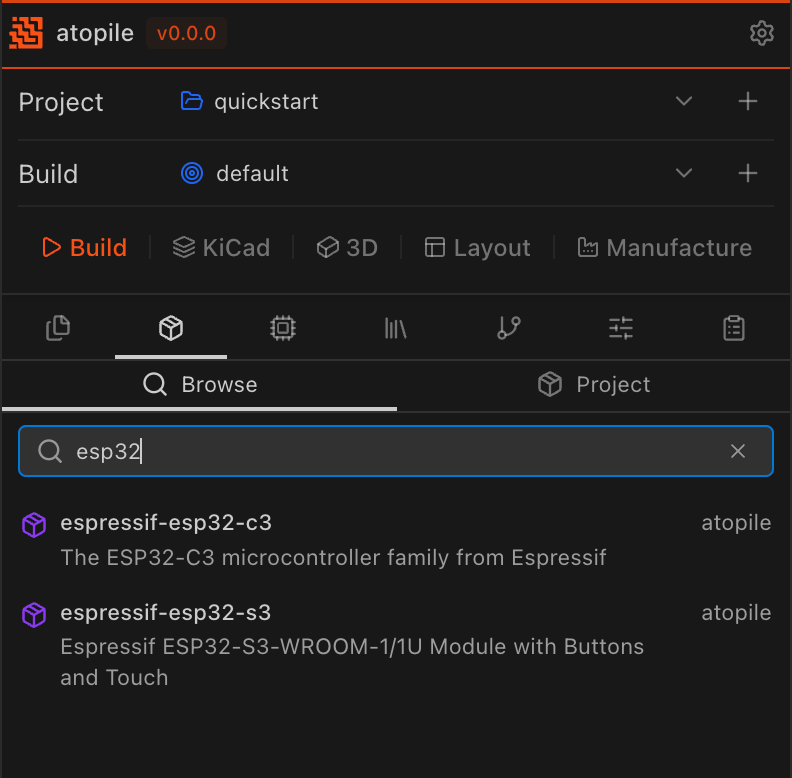
Supplier Part Search
Finding Parts
In the sidebar, open the Find Parts tab. Under the Find Parts sub-tab, search for JLCPCB parts by name, description, or part number. Click on a part to add it to your project. You can switch to the Project tab to view the parts already added to your project. See the adding components guide for more details.Auto-picker
For passives and other common components, specify your requirements and atopile will automatically select a matching part:Standard Library
Resistor, Capacitor, LED, MOSFET, and more). Most of the components in the standard library are auto-pickable.
See the Standard Library Reference for more details.